Setting up a website: Beyond code
Recently, I’ve set up my personal website. What seemed like a straightforward technical exercise turned out to be a journey of discovery, problem-solving and balancing trade-offs. In this post, I will share my journey with you, from existential questions to technical implementation.
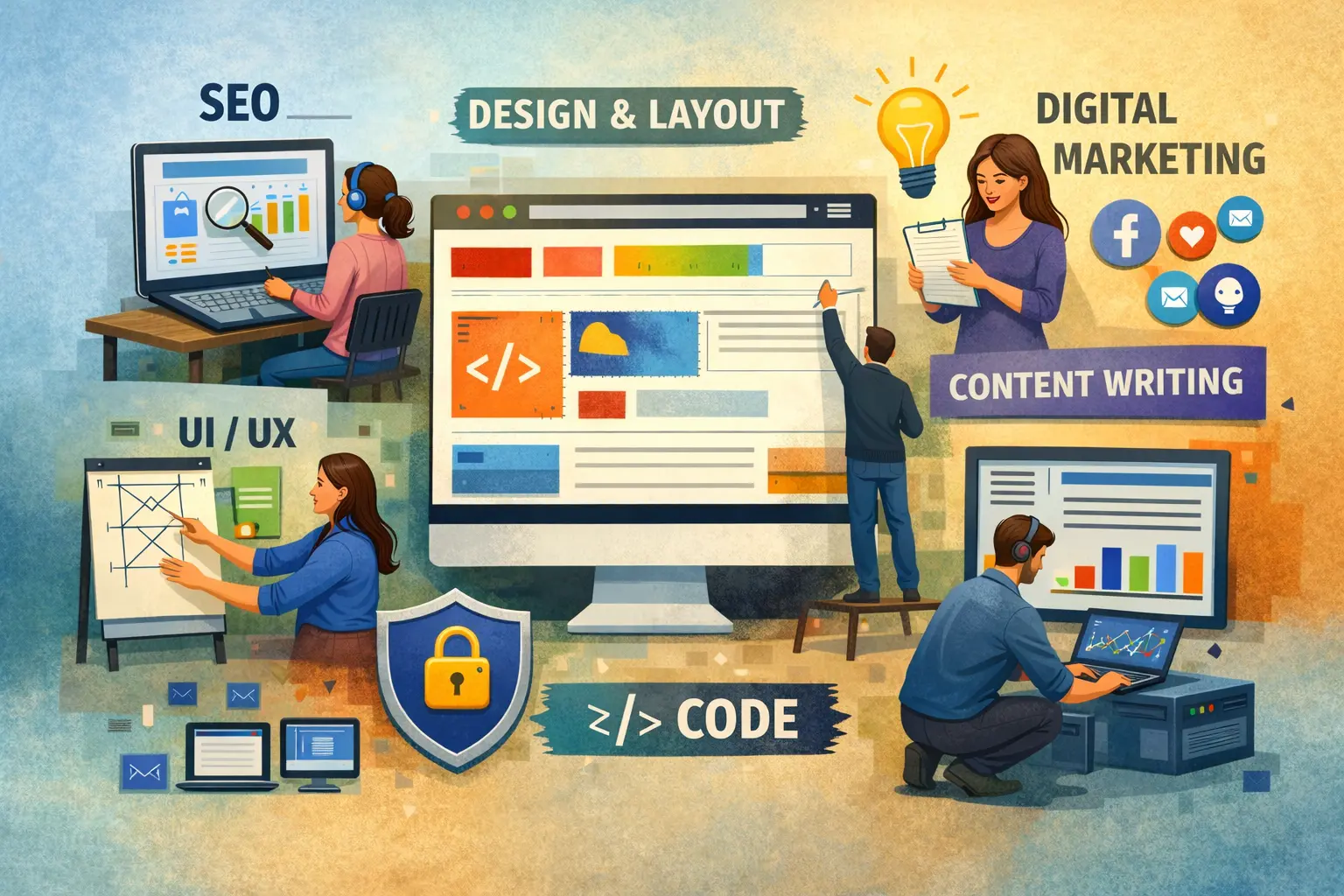
In building a website, I distinguish two parts: the substance (content, structure and style) and the technical implementation (how it is built, published, hosted, and discovered). It’s common to assume that the substance leads the implementation. During my work, I observed a different dynamic. Both evolved hand-in-hand, informed by experimentation and shaped by decision-making. This is not surprising because that’s how successful companies work, promoting cross-functional collaboration, experimentation and iterative development with a fast feedback loop.
Purpose
“Begin with the end in mind” is one of my favourite principles, and I often apply it in what I do. The website was no exception. A clear understanding of what you want to achieve by having a website drives further choices for content, structure, style and appropriate tooling.
This part requires a deep self-reflection and a search for internal motivation and meaning. The questions I found the most helpful:
- “Why do I want a website?” This question provided the source of motivation.
- “What differentiates me?” This is a “unique value proposition” question. It helped me connect with my core strengths and clarify my value.
- “Who can benefit and how?” This question helped me shift focus from myself to others.
Perception
Content, structure and styling shape the perception. They emerge from the purpose and emphasise it. Bold colours and a portfolio of designs indicate a creative mind behind it, and a dark background with code snippets hints at software development. Those elements convey the identity behind the website.
Thinking about my identity, I developed a clear idea of the design, a rough idea of the structure and a very vague idea of the content. I was tempted to refine it before moving to the next step, but I quickly caught myself. Thinking like this leads to analysis paralysis. This was an important reflection point that made me switch gears and start putting my ideas into practice.
Exploration: Site-building Platforms
The first choice I faced was a classic “build or buy” trade-off.
Having been a developer in past, I knew I was capable of whipping up some HTML & CSS. I also knew my limits - my background was in backend development and not in designing professional websites. I explored platforms offering highly customisable layouts - Squarespace, WordPress, and GoDaddy website builder - selecting them from a broader pool based on the balance of capabilities, ease of use and price.
All these platforms allow you to select the template that’s closest to what you want and customise it. Choosing between them is a matter of personal preference. They offer different price tiers and a broad set of features, including a custom domain, selling capabilities and AI features. I preferred Squarespace for clean, professional-looking designs and the most intuitive site builder.
Experimenting with layouts and styles gave me a better feel for how I wanted my website to look. A custom layout builder made it very easy to see and assess changes instantly.
Exploring further, I found the blogging capabilities on Squarespace limited for my liking. This was a pivotal moment. I could continue with Squarespace. At the same time, seeing the simplicity of the design, I felt confident that I could build it, especially with AI tools at my disposal. Building it myself would give me more control and flexibility. It would also be cheaper. Last but not least, it would be more fun, and I would have a use case to try vibe-coding. While pushing for progress, it’s important to pause and validate whether we are still pushing in the right direction. In this case, for me, it was time to change direction.
Building
I looked for ways to create a simple static website, like mine, with blog posts. I selected Jekyll, a static site generator, because of its simplicity, rich selection of themes, and flexibility in understanding both HTML and Markdown.
As it often happens in development, one choice affects another. Now I had to decide on hosting. Site-building platforms offer this capability out of the box, and opting out of them, I needed an alternative. Between Netlify and GitHub Pages, I chose the latter, as it was more familiar and simpler for me to manage.
Once the “Hello world” with Jekyll was up and running both locally and on catherinetsokur.github.io, I dusted off my developer hat and put it on.
Evolution: Content, Structure and Styling
From a broad range of available Jekyll themes, I picked the one closest to the layout I wanted to create (Cayman), and spent some time customising it, both manually and with AI. This led to the final look of the website.
I started creating pages and adding the content. The content reshaped the structure. This work challenged me to express my thoughts clearly without an overwhelming amount of details. I had to make decisions about what belonged on each page and how to create intuitive navigation to support consistency throughout the website. The tone of voice is another implicit element which had to be maintained in coherence with the created identity.
Just a Little Bit of Backend
As much as we want to foresee everything and prepare for it, we are humans, and humans make mistakes.
When I was just about finished with the last page, “Contact”, I realised that the beautiful form I created on my static website wasn’t going to send itself. I started contemplating the idea of replacing everything I’ve done with a backend application. This meant a lot of rework. I paused before making this decision - I could do that, but this solution was clearly disproportionate to the problem. I looked for alternatives and was delighted to find third-party services that could be used to send the form from the frontend. I tried a few and integrated Formsubmit with my contact form.
Publishing
When the website looked and worked as expected, it was time to publish it.
At this stage, decisions had to be made about where to buy the domain name and where to manage DNS records. This could be the same provider or different, with trade-offs in cost, control, and security.
I chose Cloudflare for both, because of convenience, cost and familiarity. I purchased the domain and configured DNS records to point to my GitHub Pages. On the GitHub side, I verified the custom domain and configured it for my Pages.
This brought catherinethinks.com to life!
SEO Magic
The last step was making my website discoverable in search.
I verified ownership of the site in Google Search Console, submitted the sitemap generated by a Jekyll plugin, and created a robots.txt file to guide search engine crawlers and allow proper indexing.
To improve SEO, I adjusted the <title>, <h1>, and <meta> tags to contain relevant keywords. Good to know - Jekyll has its own way of managing SEO tags through configuration.
For the final optimisation, I used pagespeed.web.dev. Based on scores and recommendations, I made performance and accessibility improvements because not only do they affect SEO scores, but more importantly, they affect user experience.
The results weren’t instant. It took about a week for the website to appear in search when I googled my name.
Privacy Considerations
As a data lover, I wanted to use Google Analytics for tracking, but this led me into the GDPR territory. To be fully compliant with European laws, I would have to create a Privacy Policy and show a cookie banner to inform users about tracking. I asked myself: Is collecting more data worth the extra compliance work and the pop-up banner everybody “loves”? I decided that the basic Cloudflare dashboard was sufficient.
This reminded me, however, to add a clarifying text about the use of personal information for contact purposes on the contact form.
Closing Thoughts
Building my website took me longer than I thought it would, and it entailed more aspects than I imagined, but this was a valuable experience. I sharpened my technical skills, practised content creation and exercised decision-making.
I also did an important internal work, clarifying, even for myself, what I stand for and how I want to add value.
Using AI throughout this project definitely helped me progress faster and expand my capabilities. I learned a lot from this too, and will share more about that in a future post.